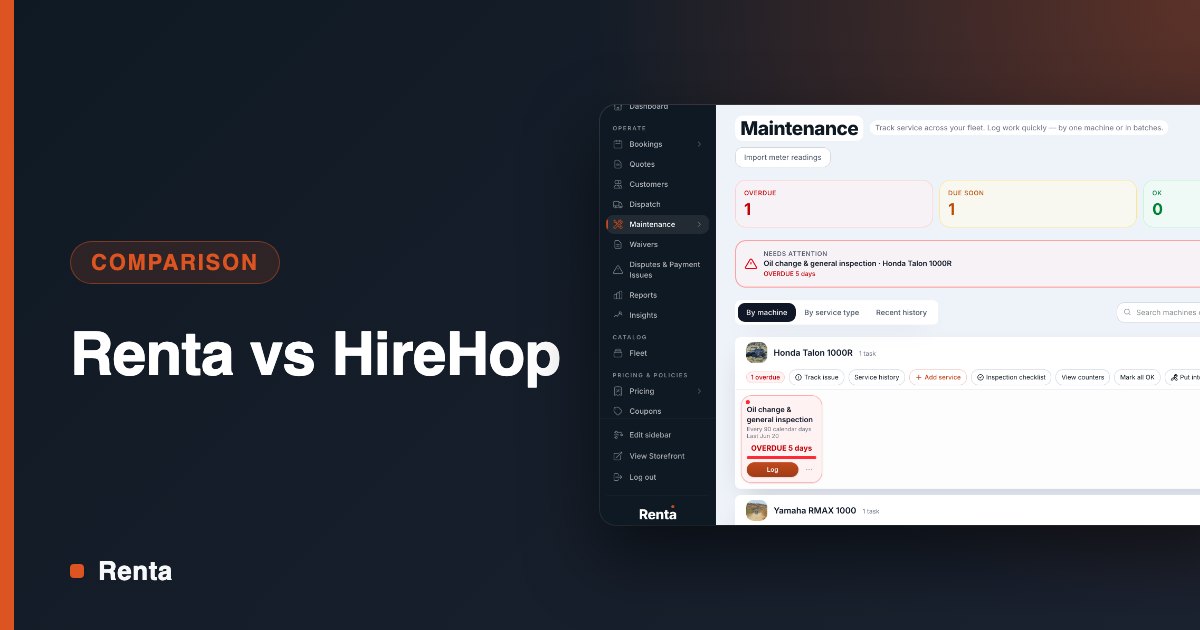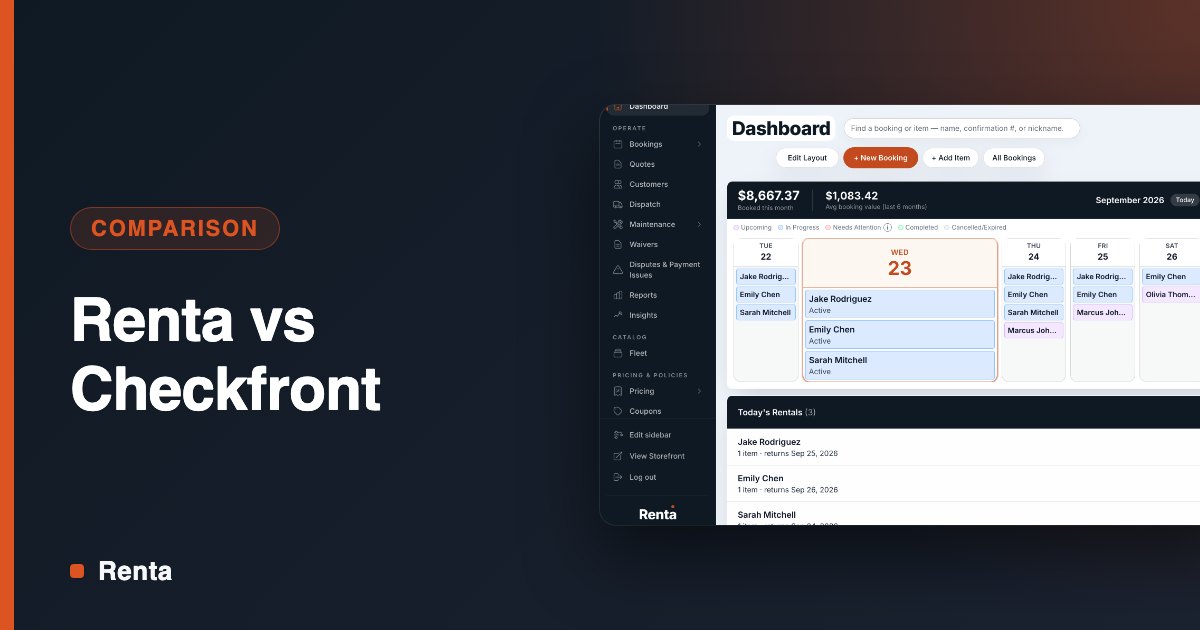
Booking. Inventory. Payments. Waivers. Pricing. Most rental shops run each one in a different tool, and the owner is the thing that connects them.
You copy a booking into the spreadsheet. You check the waiver app before handing over a key. You remember, or forget, to release a deposit. None of it is hard. All of it is you, every rental, all season.
All-in-one rental software puts those five jobs in one system, so a booking sets off the other four without anyone retyping it. This post covers what that looks like in practice and what still needs a person.
The five tools most rental shops stitch together
The subscriptions are the small cost. The real cost sits in the gaps between tools, where the work is manual.
Job | Usual separate tool | What falls through the gap |
|---|---|---|
Booking | A booking widget or a tour-booking platform | It sells a time slot and doesn't know which unit is going out |
Inventory | A spreadsheet or a whiteboard | A unit in the shop still shows as available online |
Payments | A card reader or a separate payment account | Deposits get held and released by hand, or forgotten |
Waivers | A standalone waiver app | Staff check a second screen to see who has signed |
Pricing | A rate sheet and the owner's memory | A holiday rate gets changed in one place and missed in two |
What each part does in one system
Booking
Customers book online against live availability, and scheduling conflicts show up before renters arrive. Walk-ins go into the same ledger as online bookings, which means the person at the counter and the website always agree.
In Renta, the booking engine confirms availability in real time and embeds on your existing site as a widget. Add-ons such as helmets, trailers, or a guide are line items on the booking. Confirmation and reminder emails go out without anyone sending them.
Inventory
Booking and inventory read from the same record. You stop keeping a second list of what you own and what state it's in.
Renta tracks items and fleet in one place: inventory, availability, and maintenance. Pickup checklists and a condition check at return are part of the rental, not a clipboard beside it.
Payments
The card payment, the security deposit, and the payout belong to the booking they came from. Nobody matches a card reader report against a calendar at the end of the day.
Renta runs payments through Stripe. A deposit hold goes on the customer's card at booking. When the rental is completed, the deposit can release automatically, a setting you turn on per unit, or you can capture part or all of it for damage. Payouts land in your bank account automatically.
Waivers
A waiver that lives in a separate app is a second thing to check before every handoff. A waiver that lives on the booking is one screen.
Renta's digital waivers are signed electronically and tied to the booking, so staff sees the reservation and the signature together.
Pricing
Rental pricing has more moving parts than a price tag: hourly and daily rates, peak season, holidays, dates you don't rent at all. Kept in someone's head, it produces wrong quotes.
Renta's rules engine handles duration pricing, seasonal pricing, and blackout dates, plus coupon codes. You set a rule once instead of working it out for every quote.
One rental, start to finish
The point of one system is the chain. Each step hands the next one what it needs.
- A customer picks a unit and a time on your site. Availability is checked in real time.
- The price comes from your pricing rules for that duration and date, plus any coupon and add-ons.
- In one checkout, the customer pays, signs the waiver, and a deposit hold goes on their card.
- Confirmation and reminder emails go out without anyone sending them.
- At pickup, staff run the inspection checklist and assign the unit.
- At return, staff do a condition check and complete the booking. If auto-release is on for that unit, the deposit is released automatically. If there's damage, you capture all or part of it instead.
- The payout lands in your bank account.
You touched steps 5 and 6. The software did the rest.
What still needs a person
"All automatic" describes the paperwork, not the judgment. Software can't look at a scratched fender and decide whether it was there this morning.
- Inspecting the machine. The checklist prompts you. Someone still has to walk around the unit.
- Deciding on damage. The record supports the charge. You decide whether to make it.
- Calling the weather. No rule knows your lake or your trail the way you do.
- The safety briefing. A signed waiver is not the same as a renter who knows where the kill switch is.
That split is the goal. The system takes the retyping and remembering, and your attention goes to the machine and the customer in front of you.
What Renta costs
Renta has two plans.
Plan | Price | Who it suits |
|---|---|---|
2.5% per booking, paid by the renter at checkout | Shops starting out or with a short season | |
$300 a month, or $3,000 a year | Shops past about $12,000 a month in bookings |
Standard Stripe card processing, about 2.9% + 30¢, applies to both. There is no contract and no setup fee.
If you're running five tools and acting as the wiring between them, schedule a demo or start free and build your first booking page today.