A booking calendar answers one question: is a jet ski free at 10 a.m.? Running a rental dock raises a dozen more. Which ski is it, is it fueled, has every rider signed, and who put that gouge in the hull?
Jet ski rental software should cover the whole rental, from the reservation to the moment the ski is back on the dock and ready for the next rider. This guide lists what to look for and the questions to ask before you sign up.
Why jet ski rentals outgrow a booking calendar
Many booking tools were built for tours. A tour sells seats at a departure time, so the software tracks time slots and headcount. A rental hands a specific machine to a stranger, and that changes what the software has to know.
Four things make PWC rentals harder than a slot on a calendar:
- Short rentals, back to back. With hourly rentals the same ski goes out several times a day, with refueling and a quick inspection between riders.
- Damage gets disputed. Without a record of the ski's condition at check-out, a damage charge is your word against the renter's.
- Each machine has its own state. Engine hours, fuel level, service due, out for repair: none of that fits in a time slot.
- Riders have to qualify. Operator age limits and boater education rules vary by state, and many of them apply to renters.
What to look for in jet ski rental software
Follow one rental from start to finish and check that the software has a job at every stage.
Stage | A booking calendar gives you | What to look for |
|---|---|---|
Before arrival | A paid time slot | A specific ski assigned, every rider's waiver signed, deposit on file |
Check-out | A name on a list | Fuel, engine hours and photos recorded against that ski |
Return | The slot ends | Condition compared with check-out, extra charges added, ski released or flagged |
Between rentals | An open slot | Hours logged, service reminders, repair history per ski |
Inventory by unit, not by time slot
Each ski should be its own record: registration number, model, engine hours and current status. A booking should be assigned to a specific ski. When you mark one out of service, it should drop out of availability, so you never sell a ski that can't leave the dock.
Waivers and rider checks before arrival
Every rider needs a signed waiver, not just the person who paid. Look for waivers that riders sign on their own phones before they arrive and that attach to the booking. The software should also capture date of birth and give you a place to record a boater education card where your state requires one.
Deposits and a card on file
You need a security hold at check-in and a way to charge that card later for fuel, a late return or damage. Each charge should carry a reason and the record that supports it.
A check-out record
Before the ski leaves, staff should log fuel level and engine hours and take time-stamped photos of the hull. If that takes more than a minute on a phone, it will get skipped on a busy Saturday.
A return that closes the loop
The return should run the same checklist and show it next to the check-out record. Fuel, late fees and damage go onto the bill in the same step. A damaged ski gets flagged, so the next booking moves to another unit.
Maintenance tied to engine hours
Service schedules for personal watercraft are set in engine hours. Software that logs hours at every return can warn you when a ski is due and keep a repair history for each one. That history also helps when you sell the ski.
Scheduling built for hourly rentals
Look for turnaround buffers between rentals, pricing by the hour, half day and full day, and a fast way to handle weather. Cancelling or moving a full day of bookings should take one action, not thirty refunds.
Fees you can explain to a customer
Some platforms charge a monthly subscription. Others charge nothing monthly and add a percentage to each booking, sometimes on the customer's side of the checkout. Either can work, but you should know the exact number that appears on your customer's receipt.
Works on a phone at the dock
Your staff are standing on a dock with wet hands, not sitting at a desk. If check-out and return need a laptop in the office, they won't happen.
Questions to ask in a demo
A sales demo shows the booking page first, because that part looks good. Ask to see the rest.
- Show me one ski's full history: rentals, engine hours, damage and repairs.
- What happens to future bookings when I mark a ski out of service?
- Does every rider sign their own waiver, and where do I see who hasn't?
- Run a check-out and a return on a phone. How long does each take?
- How do I charge a renter for damage after they've left, and what record backs it up?
- Walk me through every fee on a $300 booking: what I pay and what my customer pays.
- How do I cancel or move a whole day of rentals for weather?
- Can I export my bookings, customers and waivers if I leave?
Do you need a jet ski rental app?
People searching for a jet ski rental app usually mean one of two things: an app for renters or an app for staff.
Renters are unlikely to download an app for a one-hour rental. What they need is a booking page that loads fast and works in a phone browser, including the waiver.
Staff are the opposite. They use the software all day, on a phone, at the dock. So the useful question is whether booking, check-out and return all work on a phone without anyone installing anything they don't want to.
Where Renta fits
Renta is booking and operations software for powersports, marine and off-road rental operators, including jet ski fleets. It was started by a rental operator who kept running into the limits of tour-booking tools.
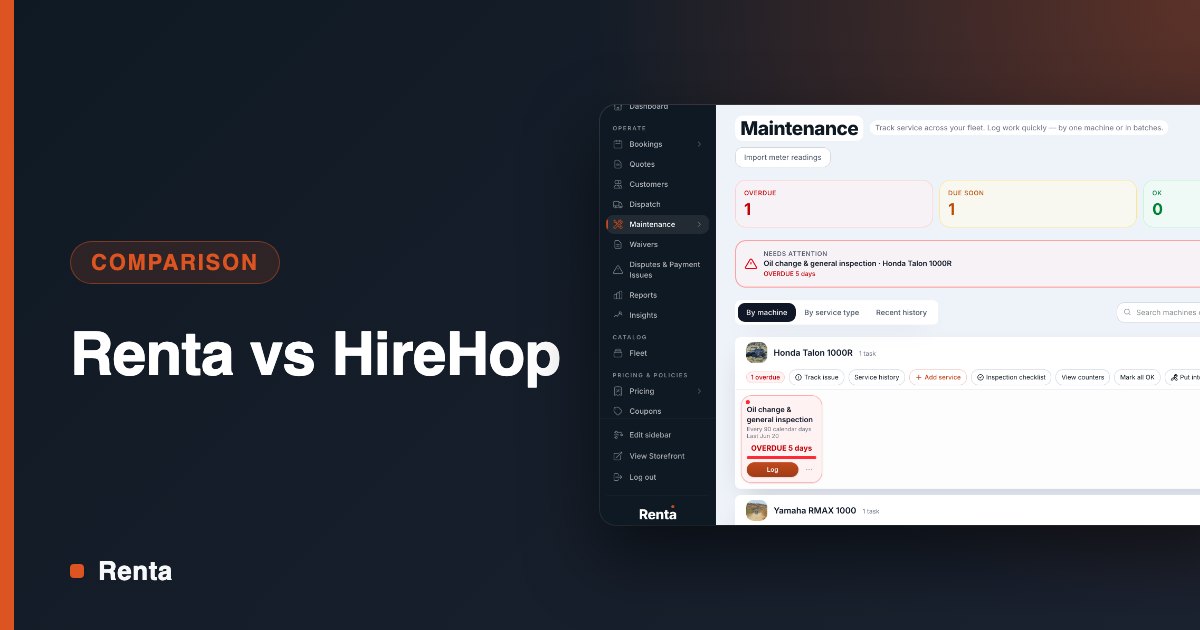
Measured against the checklist above, Renta covers these today: digital waivers signed online and tied to each booking, fleet tracking with availability and maintenance, deposits through Stripe, pickup and inspection checklists, and a return flow with a condition check, damage handling and automatic deposit release.
Pricing is public: a 2.5% fee per booking, paid by the renter at checkout, or a flat $300 a month. Standard card processing applies on both.
If the checklist sounds like your dock, schedule a demo and bring the questions from this post, or start free and try it on your own fleet.
Frequently asked questions
What software do jet ski rental businesses use?
They tend to use one of three kinds: a tour-booking platform, a general equipment rental tool, or software built for powersports and marine fleets. The first two handle reservations well. Fleet software also tracks each machine, its condition and its service history.
For a wider comparison across rental types, see Top 5 Best Rental Software Platforms in 2026.
How much does jet ski rental software cost?
Pricing follows three models: a monthly subscription, a percentage of each booking, or a custom quote. Per-booking fees are sometimes added to the customer's total at checkout, so ask who pays. Compare vendors on a full season of your own bookings, not on the monthly price alone.
Do I need separate waiver software?
Not if your rental software collects a signed waiver from every rider and ties it to the booking. A separate waiver app can work, but staff then check two systems before handing over a lanyard.