Failed or stuck booking payments
The Payment Issues list shows bookings where a customer's money was taken or held but the booking could not be finished cleanly, what each message means, and what to do about it.
Where to find it
Disputes & Payment Issues (left sidebar) → Payment Issues tab
The Payment Issues list is a short to-do list for money problems. It shows bookings where a customer's card was charged (or a hold was placed on it), but a step that was meant to finish the booking failed. These are not declined cards at checkout. They are payments that got stuck partway through.
Where to find it
Click Disputes & Payment Issues in the left sidebar, then the Payment Issues tab. The number in brackets on the tab is how many issues are still open. Older bookmarks to the Payment Incidents page forward to this tab.
You need permission to view payments to open it, and permission to manage payments to use Mark resolved.
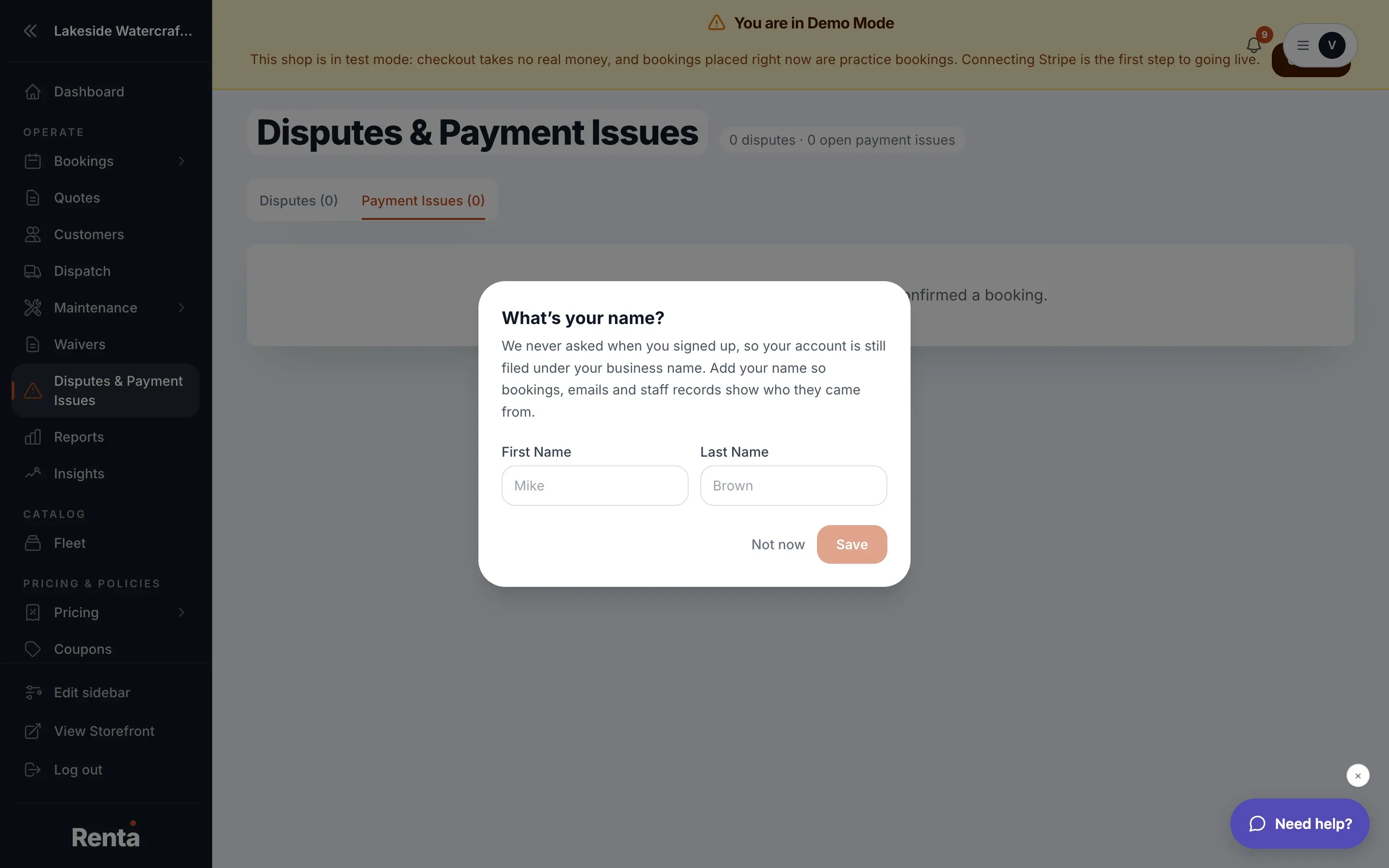 The Payment Issues tab showing an open issue and the Mark resolved button
How it works
Open issues are listed first, then resolved ones, newest first within each group. Each row has:
- Date — when Renta recorded the problem.
- Booking — the booking number as a link (for example #ABC123). It says "No booking" if the payment never got as far as a booking.
- Amount — the amount charged or held.
- Issue — what went wrong, in one of the messages below, with Stripe's error text underneath when there is one.
- Status — Open (red) or Resolved (green).
- Mark resolved — only on open rows.
When there is nothing to show, the tab says "No payment issues — every storefront charge confirmed a booking."
What each message means and what to do
Already handled (these arrive as Resolved, nothing for you to do)
- Reservation expired — refunded automatically. The customer's short reservation hold ran out before payment finished. Renta refunded the charge, or released the hold, by itself.
- Payment didn't cover booking — refunded automatically. A booking made through Renta's booking API was paid for less than its real total. Renta cancelled the booking and refunded or released the payment.
Needs you (these arrive as Open)
- Reservation expired — refund FAILED, still stranded. Same expiry, but the refund or release did not go through, so the customer's money is still taken or held. Refund the payment or cancel the hold in your Stripe dashboard, then mark it resolved.
- Booking failed to confirm after charge. The customer paid, but Renta could not finish confirming the booking for another reason. Renta does not refund this one on its own, because the problem may be temporary. Open the booking and the payment in Stripe, then decide whether to refund the customer or finish the booking for them.
- Payment didn't cover booking — refund FAILED, still stranded. The API booking was underpaid, and the refund or release failed (or no Stripe connection was available). The money is still stranded. Fix it in Stripe, then mark it resolved.
- Booking cancel write failed after payment mismatch. Renta tried to cancel an underpaid API booking but could not save the cancellation. The booking may still show as active. Open the booking, cancel it if it is still active, and check what happened to the payment.
- Booking confirmed but PaymentIntent record failed to save. The customer paid and the booking exists, but Renta could not save the link between the booking and the Stripe payment (a PaymentIntent is Stripe's record of one charge). One internal safety check therefore has no record of that payment. Open the booking and confirm its payment shows up.
The two "API" messages come from bookings made through Renta's booking API, for example a website of yours connected with an API key. See Creating API keys for developers.
Marking an issue resolved
1. Fix the underlying payment first, usually in your Stripe dashboard. See Connecting Stripe to accept payments for how to open it. 2. Click Mark resolved on the row. 3. A box asks "Mark this payment issue resolved?" and reminds you to confirm the customer's charge or hold has been handled (refunded, cancelled, or otherwise accounted for). Click Mark resolved again to confirm.
Mark resolved only records that you dealt with it. It does not refund, cancel or charge anything. If the save fails you will see "Couldn't update" with the reason. "Incident not found or already resolved" means someone else resolved it first.
Example
A customer starts checkout and the card is charged, but the reservation window runs out before the booking is confirmed. Renta tries to refund automatically. If Stripe is briefly unreachable and the refund fails, the row appears as "Reservation expired — refund FAILED, still stranded". You refund it in Stripe, come back, and click Mark resolved.
Good to know
- The tab's count only includes open issues, so a clean tab reads "Payment Issues (0)".
- This list is not the same as a customer or bank formally contesting a charge. For that, see Handling a Stripe dispute or chargeback.
- Always settle the money in Stripe before you mark an issue resolved, because resolving does not touch the money.
Related articles
- Disputes and payment issues: common questionsQuick answers on chargebacks, the Disputes page, the evidence summary and the one-time Submit to Stripe, deadlines and statuses, and the Payment Issues tab with Mark resolved.
- Building the checkout flow: common questionsQuick answers on adding checkout steps (text, questions, waiver, signature, upload, add-on, delivery), publishing, showing steps for certain products or dates, required steps, the staff pickup and return checkouts, and staff notes.
Still stuck? Ask the chat.
Was this helpful?