Saved cards on a customer's account
Cards saved on a customer's account, which one is marked Default, how to add one, and why a card cannot be removed.
Where to find it
Customers → open a customer → Payments tab
The Payments tab shows any cards a customer has saved for faster checkout next time. Cards are added through a Stripe card form, so Renta never sees or stores the full card number.
Where to find it
Customers → open a customer → Payments tab
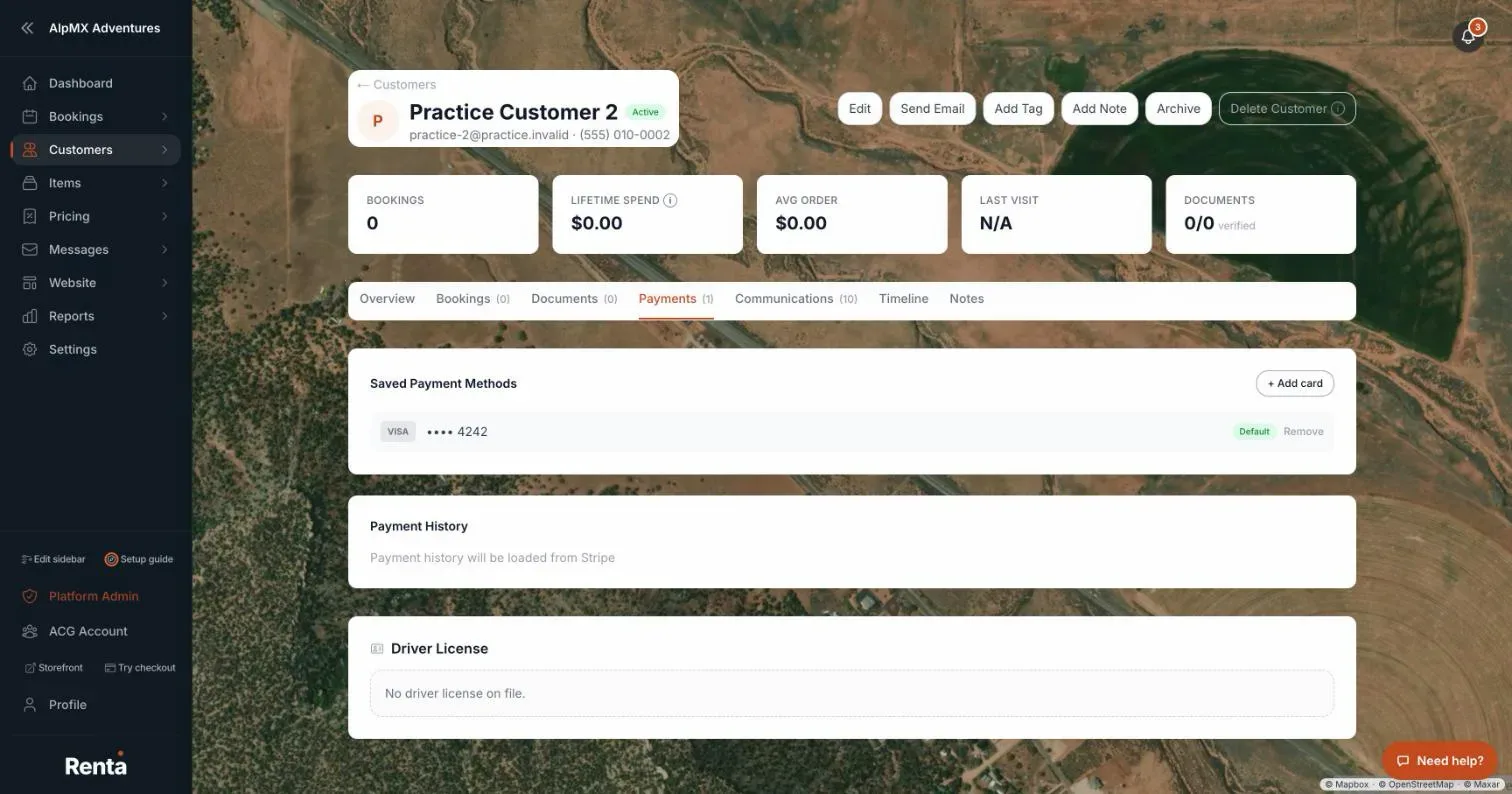 The Payments tab showing a saved card with the Set as default option
How it works
- + Add card — opens a Stripe card form so a card can be saved to this customer. The card is saved without charging anything.
- Payment method row — shows the card's brand, last 4 digits, and a Default badge if Stripe treats it as that customer's default card. This badge is just a label — there's no button here to change which card is the default.
- Remove — deletes a saved card from the customer's account.
Example
A returning renter has two cards on file, one marked Default. Staff can see at a glance which one is marked Default, but there is no button on this tab to change it.
Good to know
Removing a saved card asks "Remove this card?" first, since it can't be undone from here. If the card is attached to a scheduled charge that hasn't run yet, Renta refuses until you cancel or reassign that charge. This is a separate list from the one-time card a customer enters at checkout — this tab only shows cards they've chosen to save.
Related articles
- Customer records: common questionsQuick answers on finding, adding, editing, tagging, archiving and deleting customers, what the profile tabs show, saved cards, documents, notes, driver's license numbers and exporting your customer list.
- A customer's full profileContact info, lifetime spend, booking count, and internal tags and notes, all on one page.
- Finding and sorting customersSearch your customer list by name, filter by tag, and sort by spend, bookings, or last visit.
- Emailing one customer directlySend a one-off email to a customer from their profile, with a preview of exactly what will be delivered.
- Storing a customer's ID and documentsUpload a customer's license, ID, passport, insurance, or waiver, and see which ones Stripe has verified.
Still stuck? Ask the chat.
Was this helpful?